PATH ONE
You write the code
A familiar workflow, all in your browser.
- 01Start coding
- 02Compile
- 03Flash via USB
- 04Read serial output

NEURAL STUDIO FREE ESP32 WEB IDE
The easiest way to start programming an ESP32.
Free plan with unlimited compiles.
Write, compile and flash. Nothing to install.
It writes code, compiles, uploads, debugs and reads serial through the free MCP connector. Works with Claude Code.
No card. Nothing to install. Works with the board you already have.
Connect Claude CodeStart with the ESP32 board you already have.
WATCH THE TUTORIAL
Take a look at Neural Studio in action before you get started with your own ESP32 project.
Tutorial video hosted on YouTube. The player loads when you press play.
HOW IT WORKS
Pick your board, then choose your path.
Connect it to your computer with USB.
A familiar workflow, all in your browser.
Give Claude Code permission to work with your project.
AI-ASSISTED PROGRAMMING
Connect an AI coding agent such as Claude Code through the free NORVI MCP connector and let it write, build, flash and debug on the real board.
Your coding agent has a serial port.
> Build and flash this ESP32 project.
ESP32 BOARDS
Works with any ESP32-based board. These have ready-made templates. Browse through and pick yours.
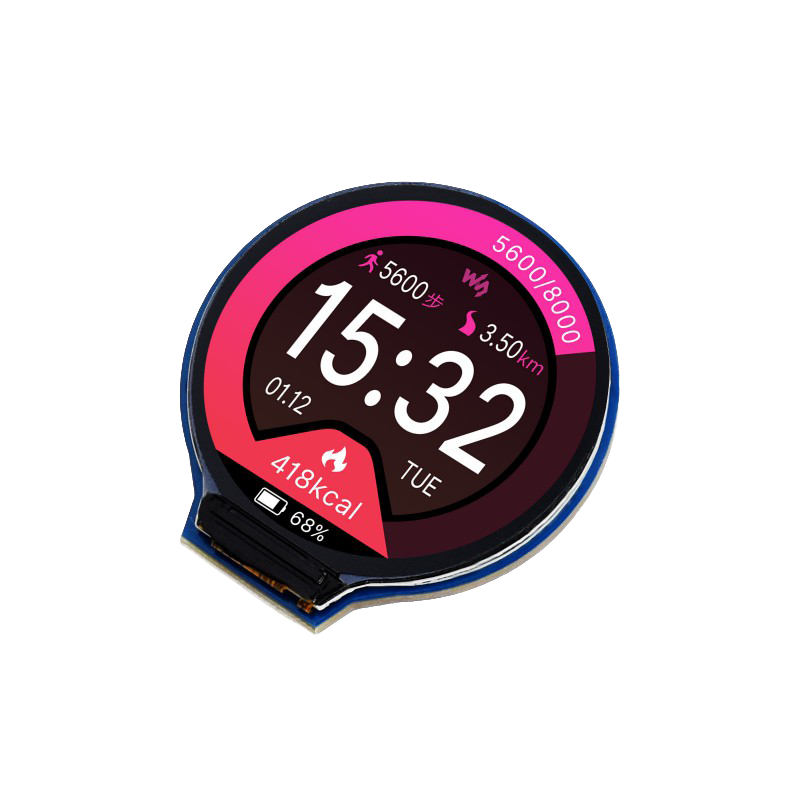
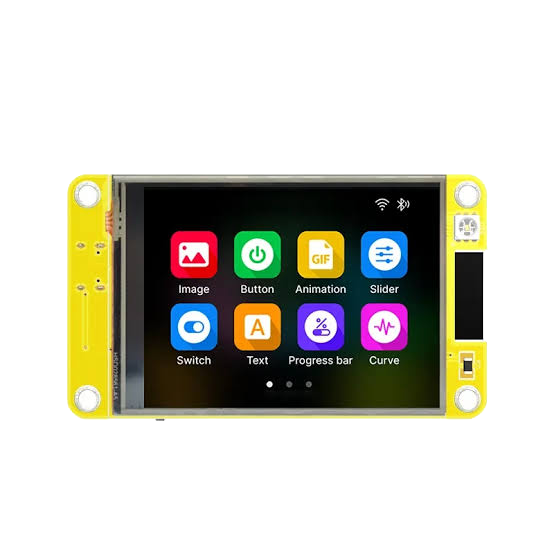
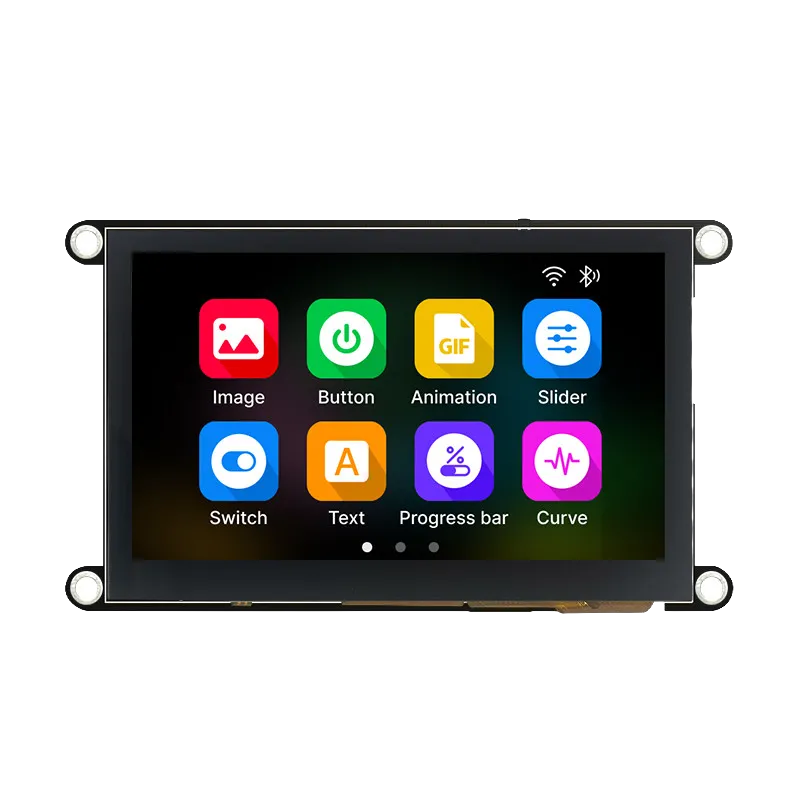
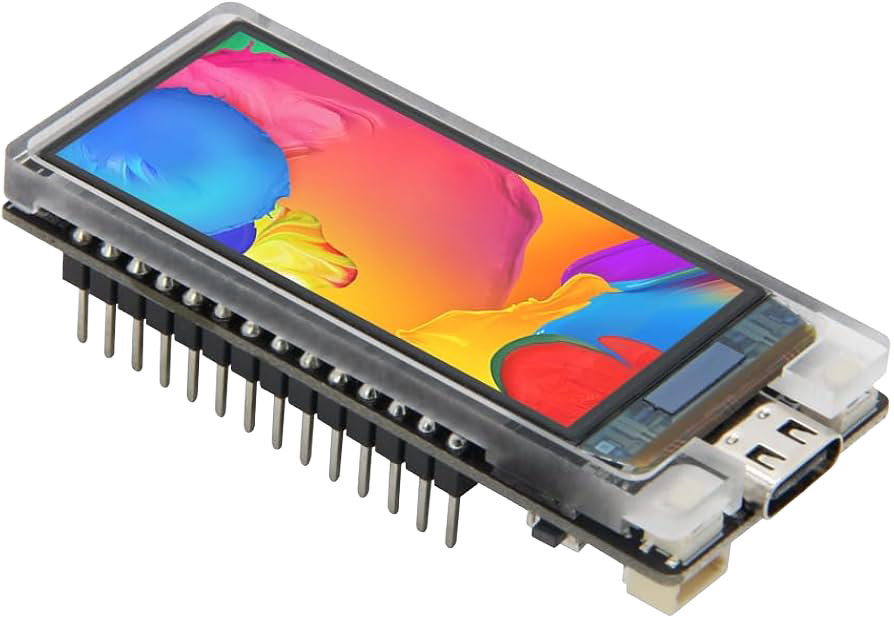
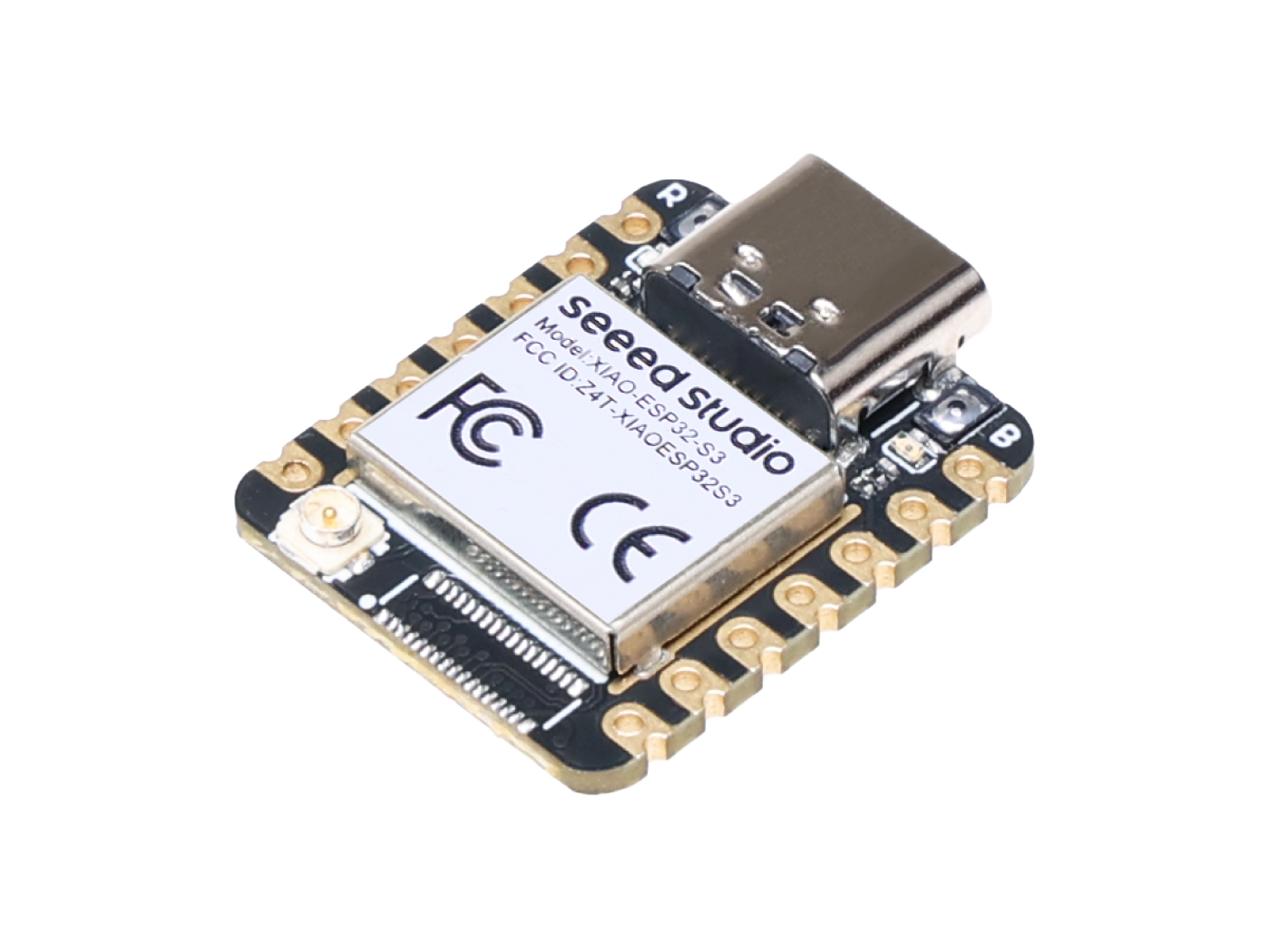
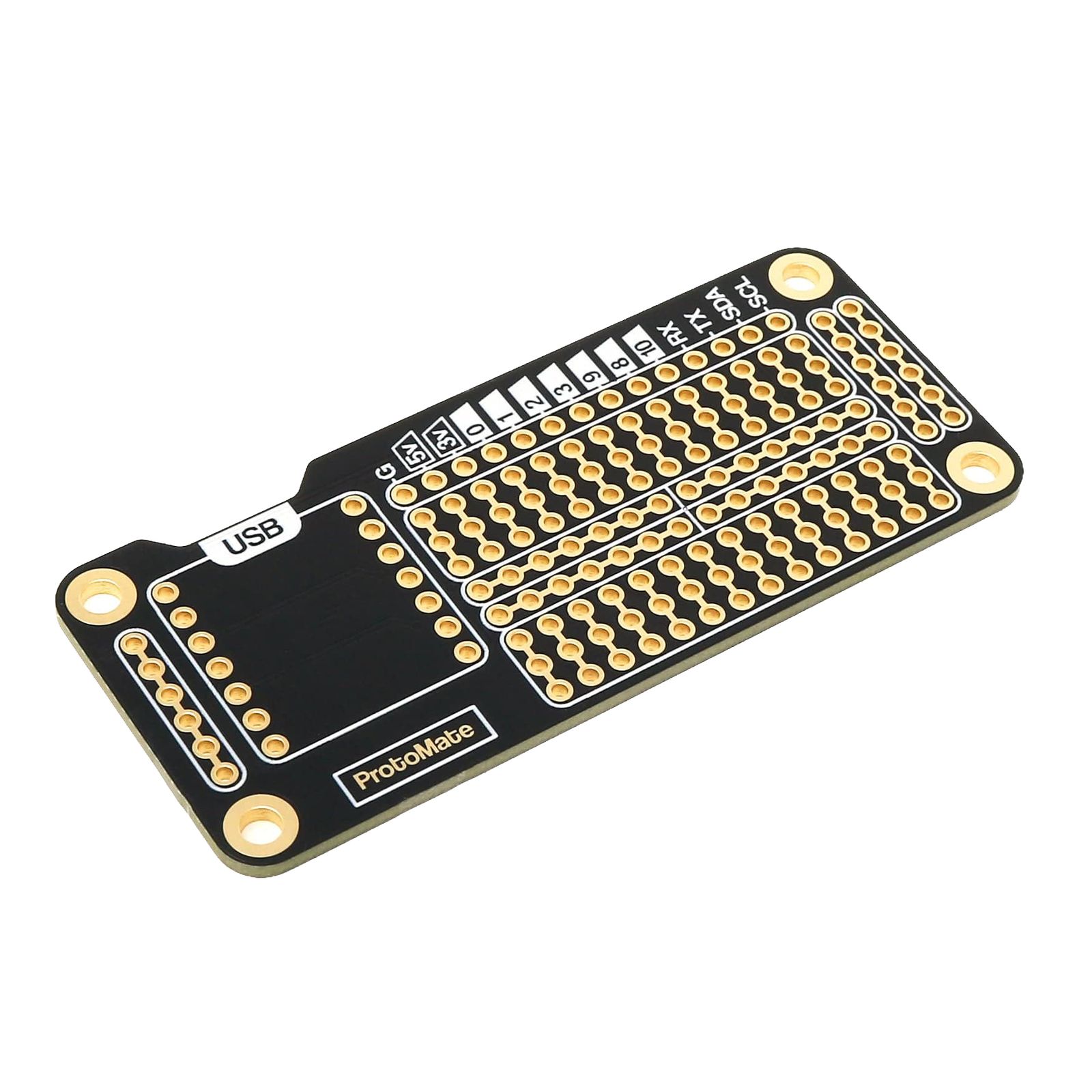
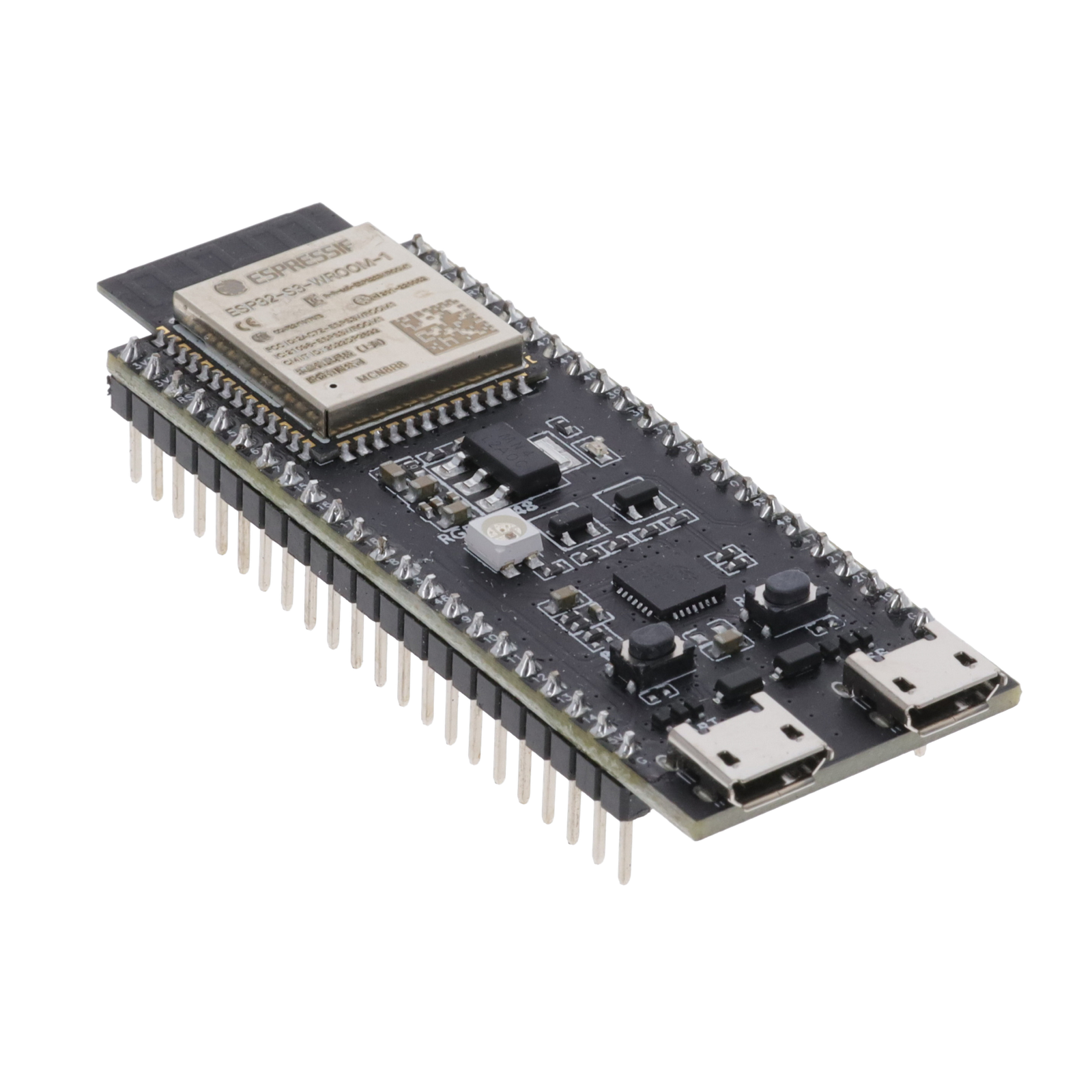
Board buttons open Neural Studio sign-up. Flashing requires a compatible USB connection and desktop Chrome or Edge.
USE WITH NORVI ESP32 PRODUCTS
From beginners to commercial deployments, use the same browser and workflow on NORVI ESP32-based industrial controllers.
See NORVI ESP32 products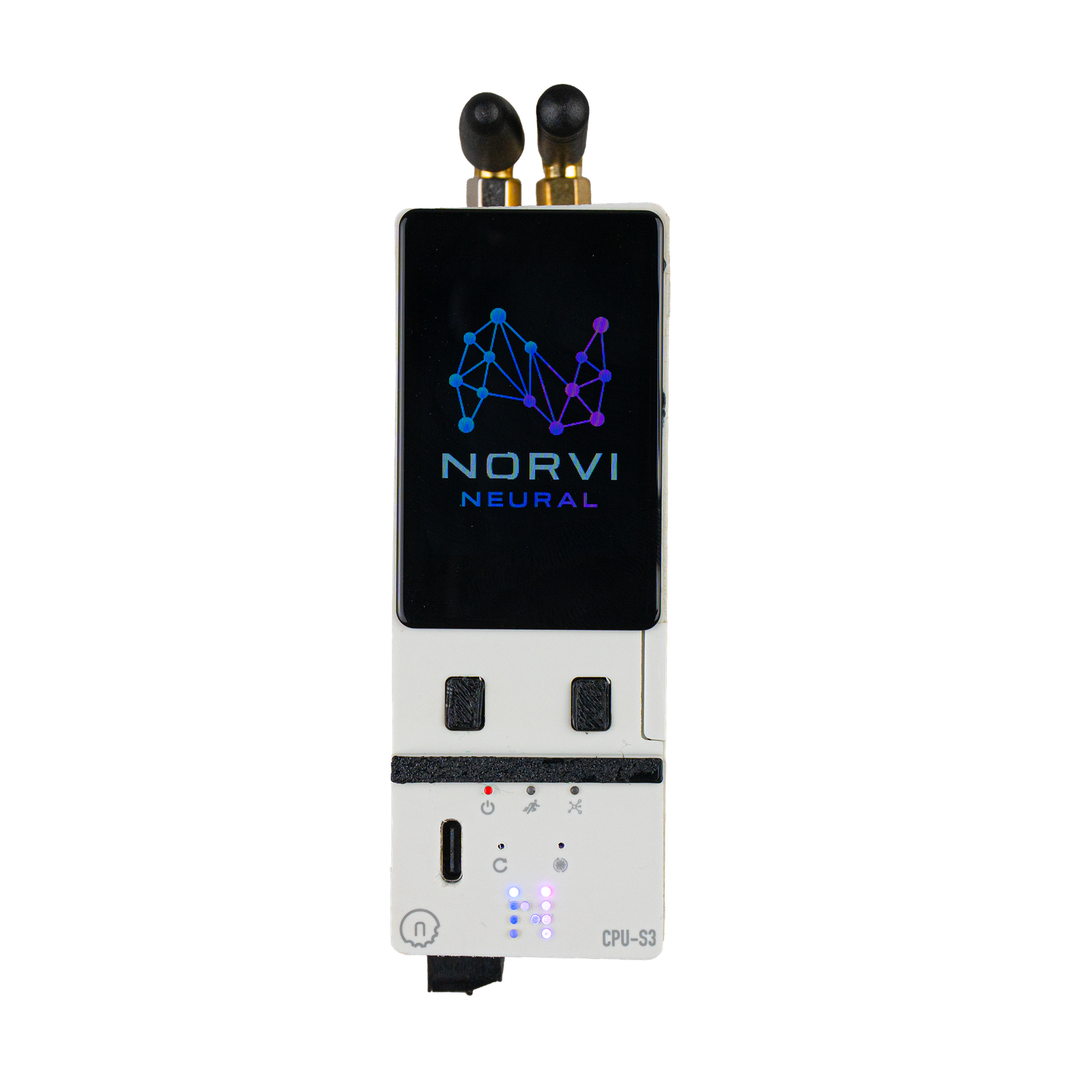 Photo unavailable.View original image
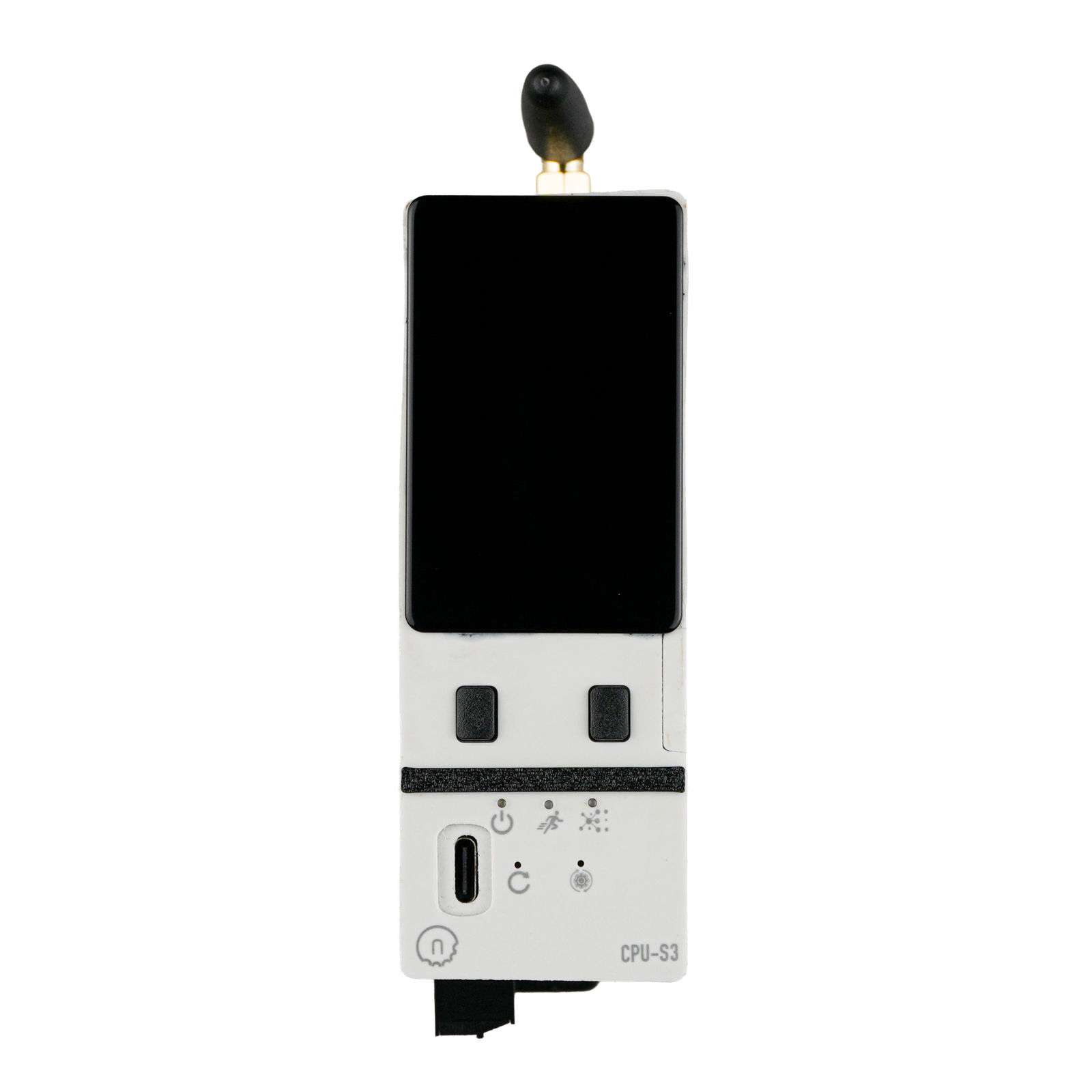 Photo unavailable.View original image
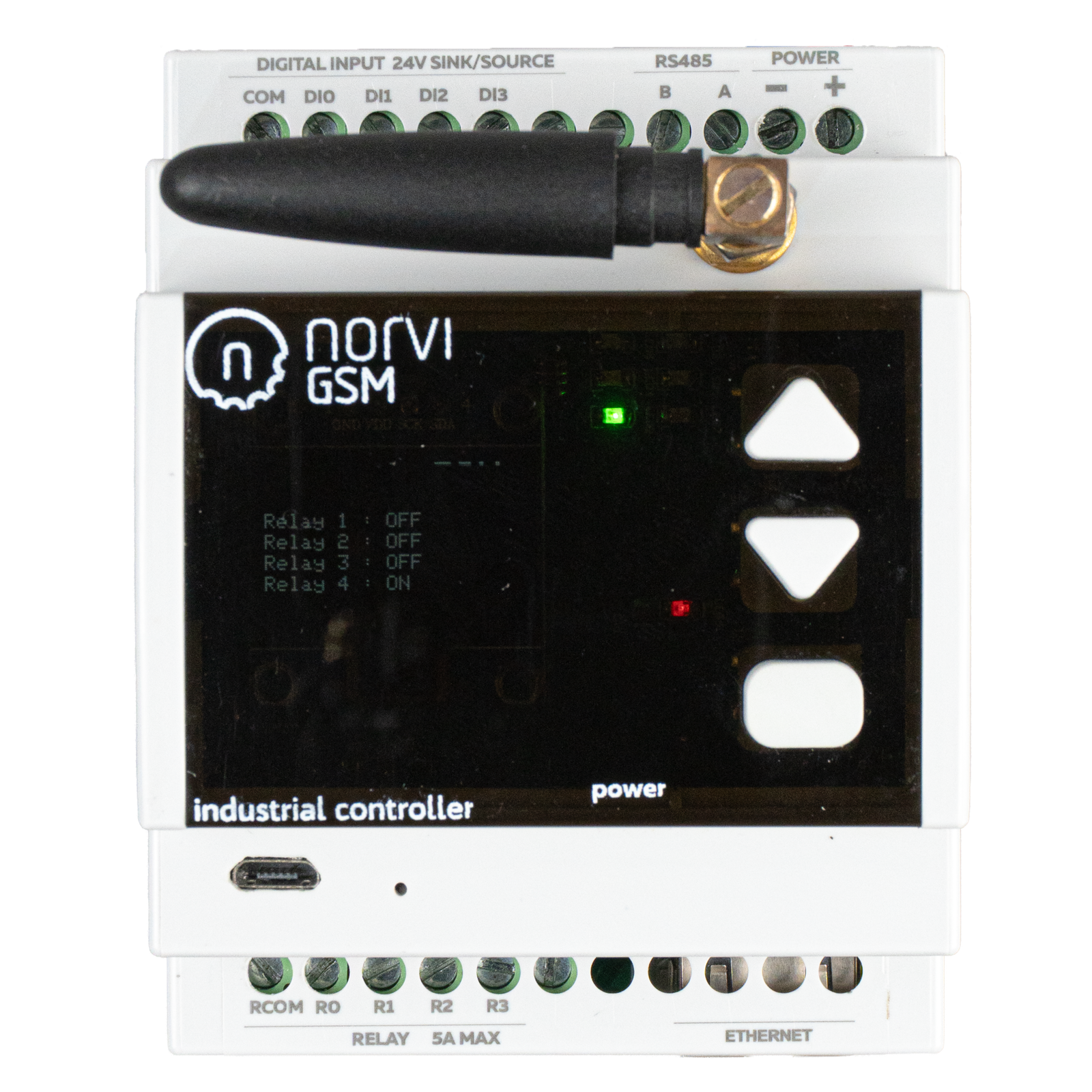 Photo unavailable.View original image
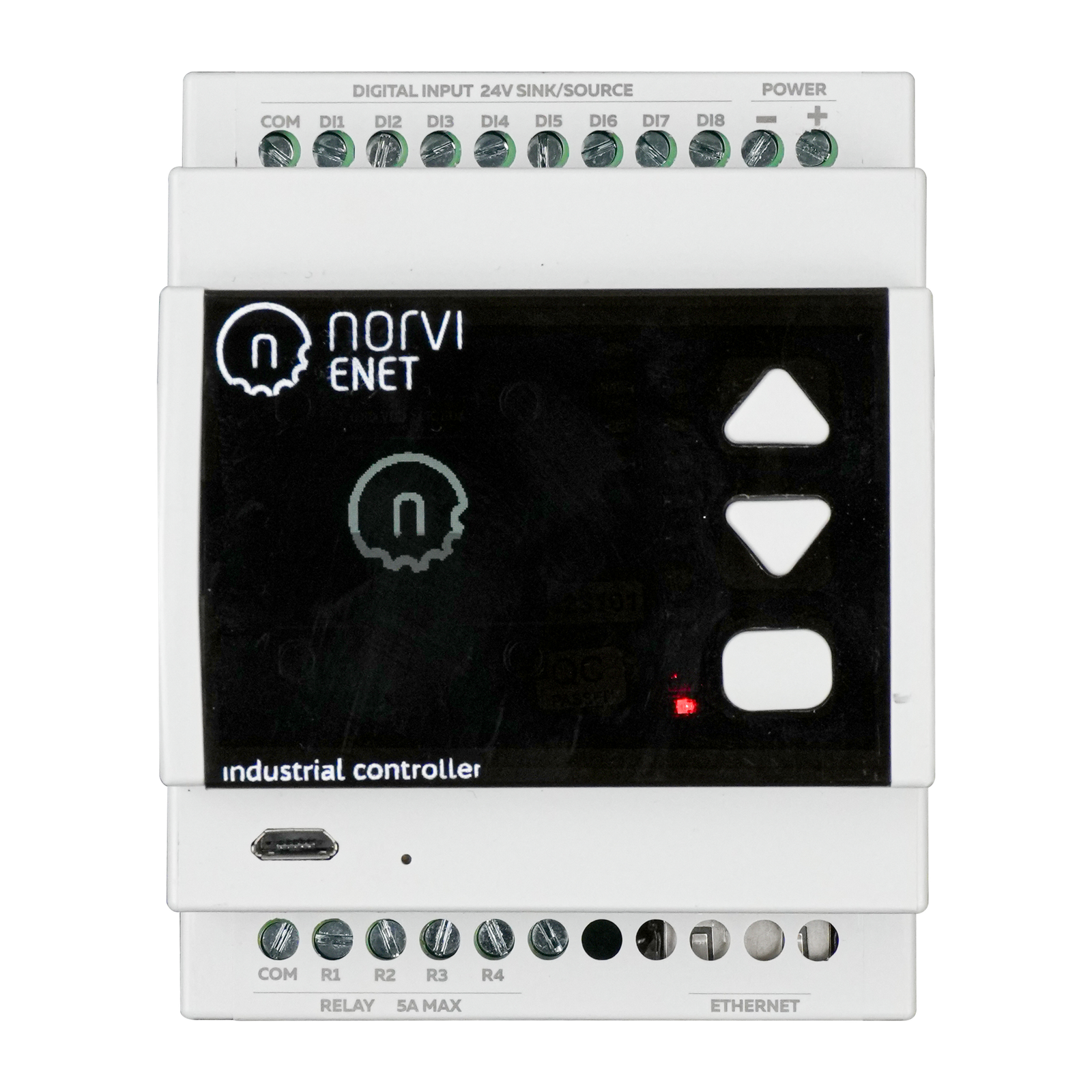 Photo unavailable.View original image
WHEN YOU'RE READY TO GO FURTHER
When a project moves to the field, NORVI XN, the industrial ESP32-S3 with the LTE connectivity stack built in, carries it.
Explore NORVI XN
Send firmware to deployed units over the mobile network.
Open Deploy
Read serial output from a deployed board without being beside it.
Open Pulse
Turn readings into charts through Datacake.
Open InsightStudio is free for ESP32 development. Deploy, Pulse and Insight require NORVI XN.
FREQUENTLY ASKED QUESTIONS
Quick answers about cost, setup and your board.
Read the getting started guideYes. The Free plan has unlimited compiles and needs no card.
No. Studio works with any ESP32. NORVI XN adds field updates and remote serial when your project leaves the desk.
Chrome or Edge on a computer.
Standard Arduino code today.
No. Everything runs in the browser.
The NORVI MCP connector is free. Your AI agent needs your own AI subscription.
Your code lives in your own GitHub repository. Studio only caches it to compile and upload, and changes are pushed back to your GitHub.
READY TO MAKE SOMETHING?
Bring your own board. Write the code yourself or work with Claude Code.
Due to a surge in global demand, our production queue is at full capacity. We will not accelerate production at the expense of quality - every device undergoes full CE / EMC compliance, regardless of order volume.
| Order Quantity | Lead Time | Notes |
|---|---|---|
| Under 10 units | 2-3 wks | Standard processing |
| 10 - 100 units | 4-5 wks | Mid-volume batch |
| Above 100 units | 6+ wks | Contact us for slot |